You set
the baseline.
Recovery is compared with your own 42-day baseline. What matters is what’s normal for you.
 Norvo
Turn your Health data into a clearer view of recovery, reserve, strain and health age. Personally contextualised. On your iPhone.
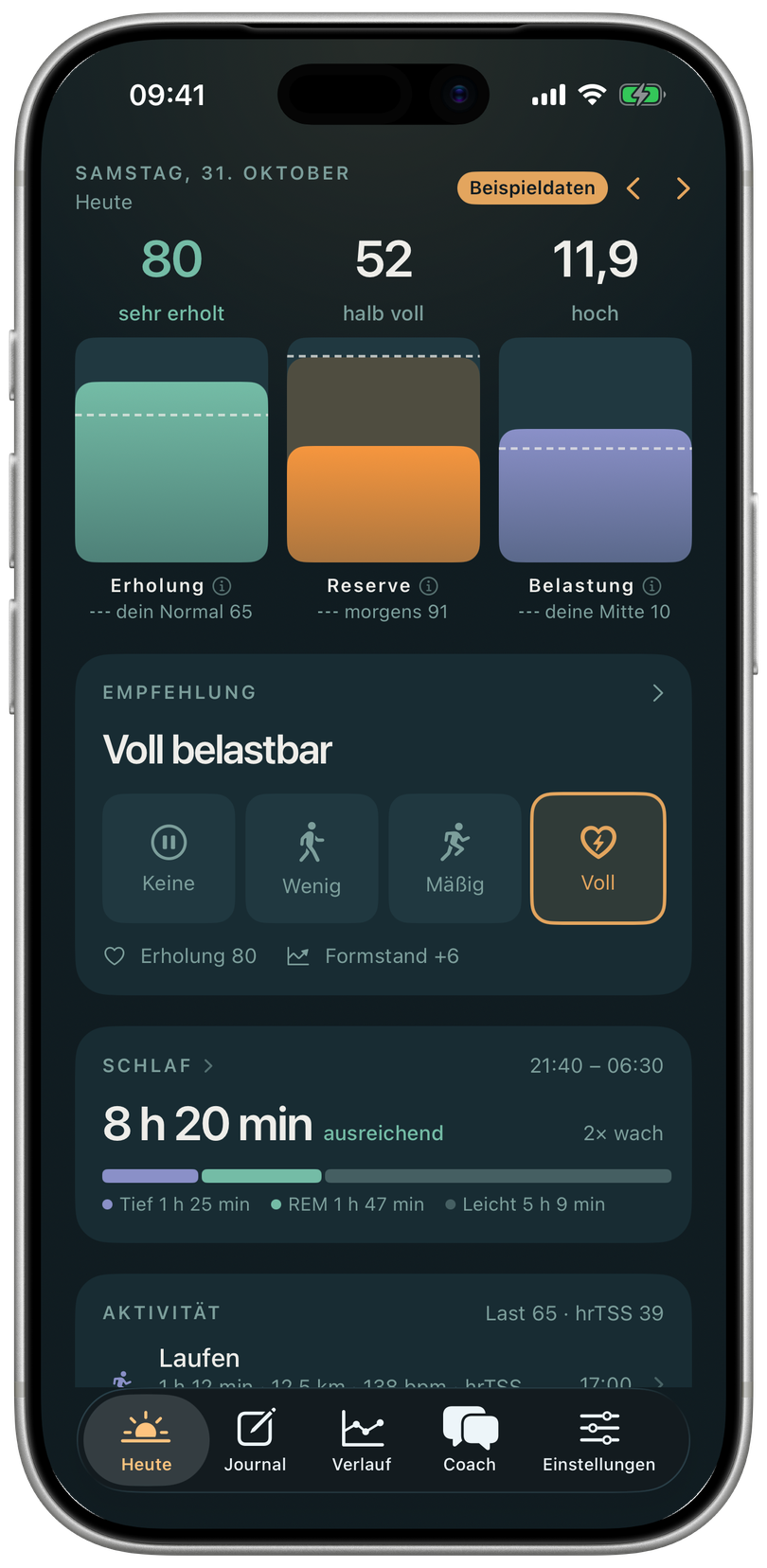
Your Watch gathers signals. Norvo connects them to your daily life, your training and, above all, you.
Recovery is compared with your own 42-day baseline. What matters is what’s normal for you.
Norvo shows how it calculates results and which data goes into them. When there isn’t enough data, it tells you.
Analysis happens locally. Norvo only reads the Health data you allow and writes nothing back.
Recovery, reserve and strain sit alongside sleep and workouts in your daily overview.
Norvo · built-in sample data · captured on 31 October 2026.
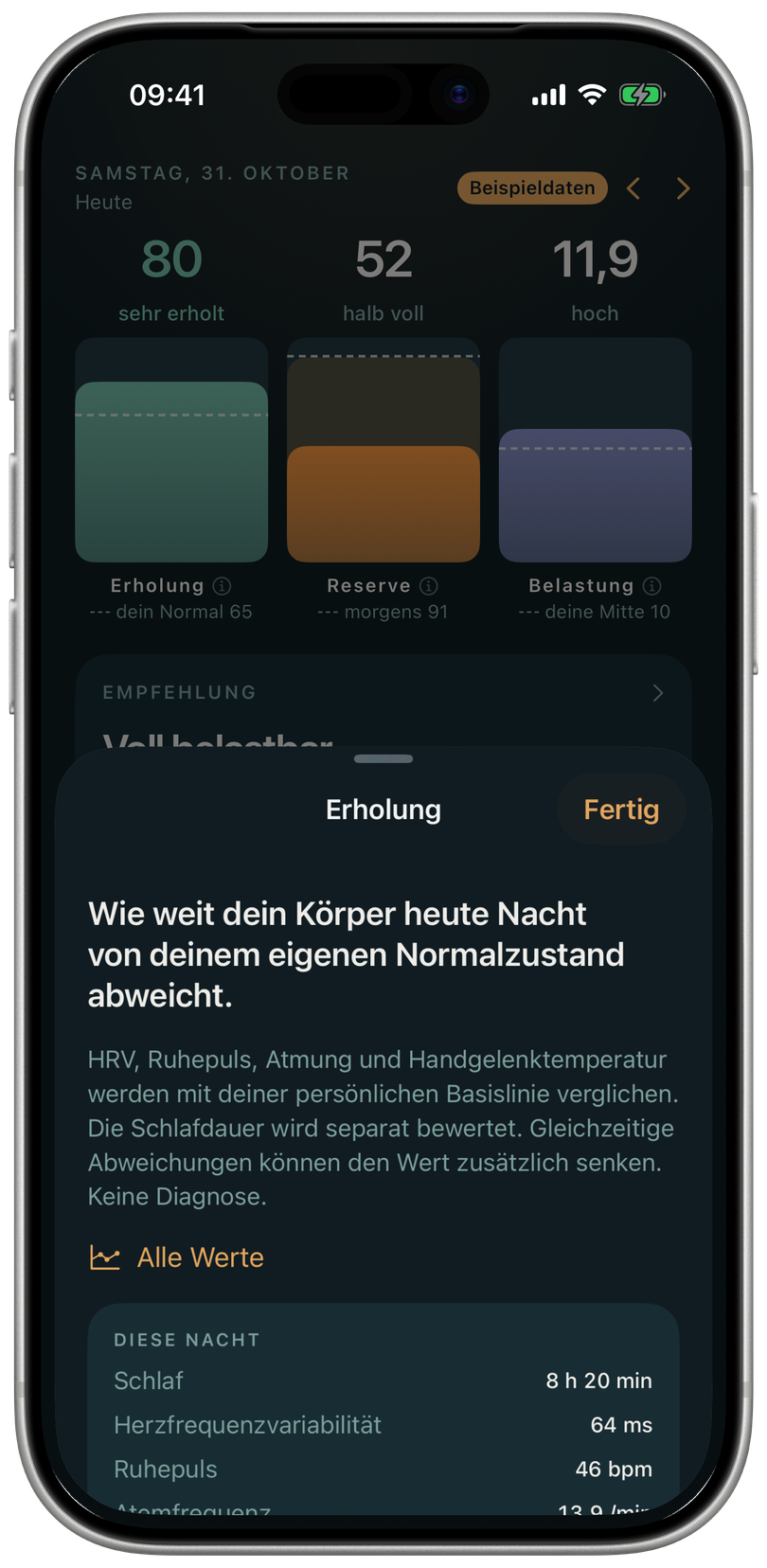
The detail view explains your recovery and puts the underlying signals in context.
Norvo · built-in sample data · captured on 31 October 2026.
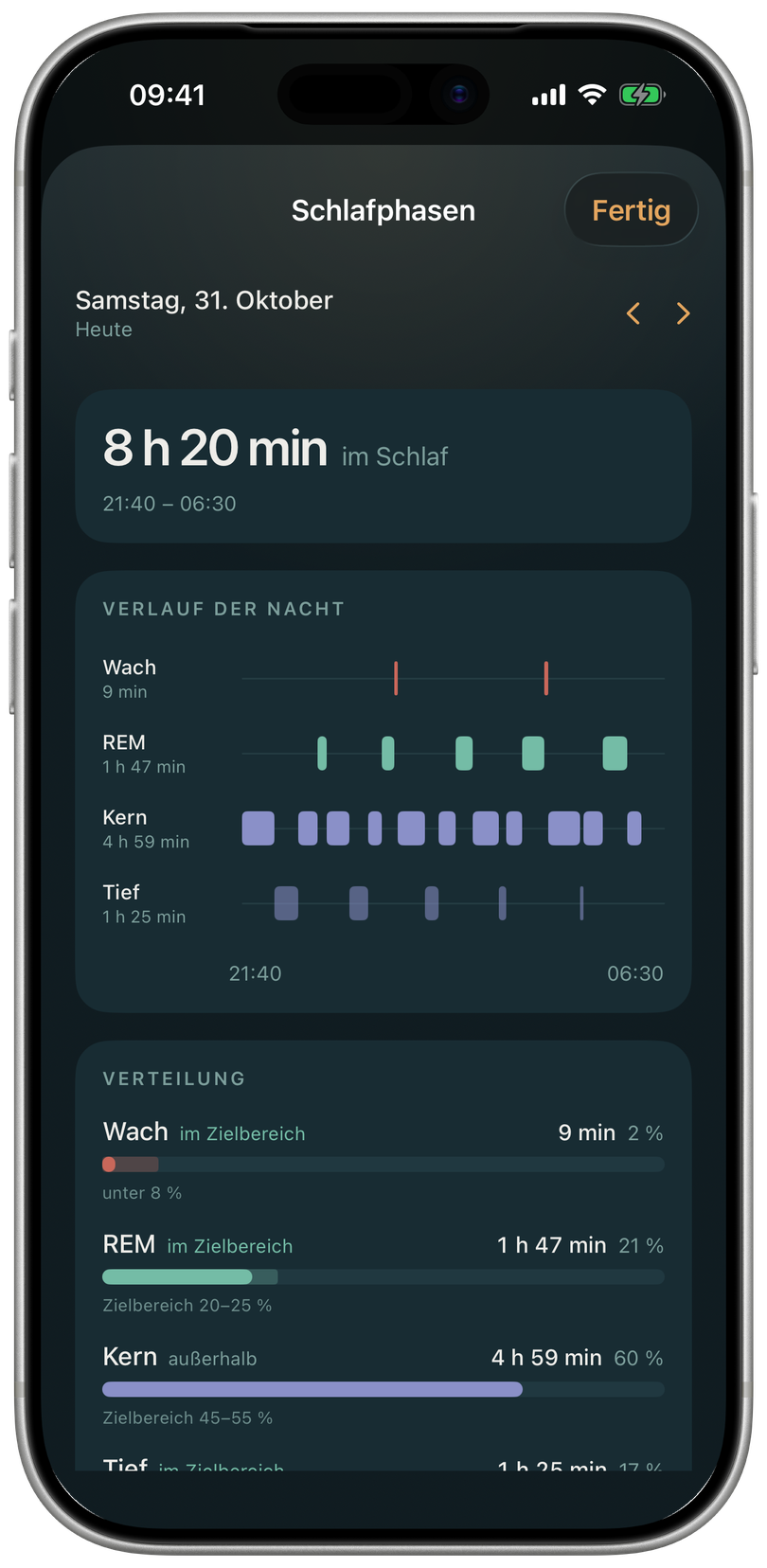
See sleep stages, their distribution and the course of the night together.
Norvo · built-in sample data · captured on 31 October 2026.
Original screenshots of the English app, captured in the iPhone simulator using Norvo’s built-in sample data. No personal health data is shown.
Explore the four metrics. Each answers a different question.
Illustration with sample data. Not a personal or medical assessment.
How you compare with your personal baseline. Based on HRV, resting heart rate, sleep and other available signals.
Workouts from Apple Health are consolidated so activities recorded more than once aren’t counted twice. This also helps when you use multiple devices.
If your cycling workout is missing power data, you can import an original FIT file. Norvo analyses it on your device and adds it to the workout data.
The estimate combines VO₂max with available resting heart rate, blood pressure, steps and sleep regularity. Fitness age and the VO₂max trend are explained separately. Missing data is made explicit; the result is neither a diagnosis nor a medical measurement of age.
Look at sleep duration, consistency and available vital signs together. Trends help you understand changes over several days.
Use the journal to record how you feel and what shaped your day. Your own observations add context to the numbers.
No Norvo account, no analytics or advertising libraries, no developer-operated cloud server. You control Health permissions, optional connections and exports.
Privacy in NorvoScreenshots of the English app, captured in the iPhone simulator with Norvo’s built-in sample data. Available features depend on your device, operating system and data.
Want to get to know Norvo or ask about availability? We’d love to hear from you.